Set your shift pattern once. Your rota carries on.
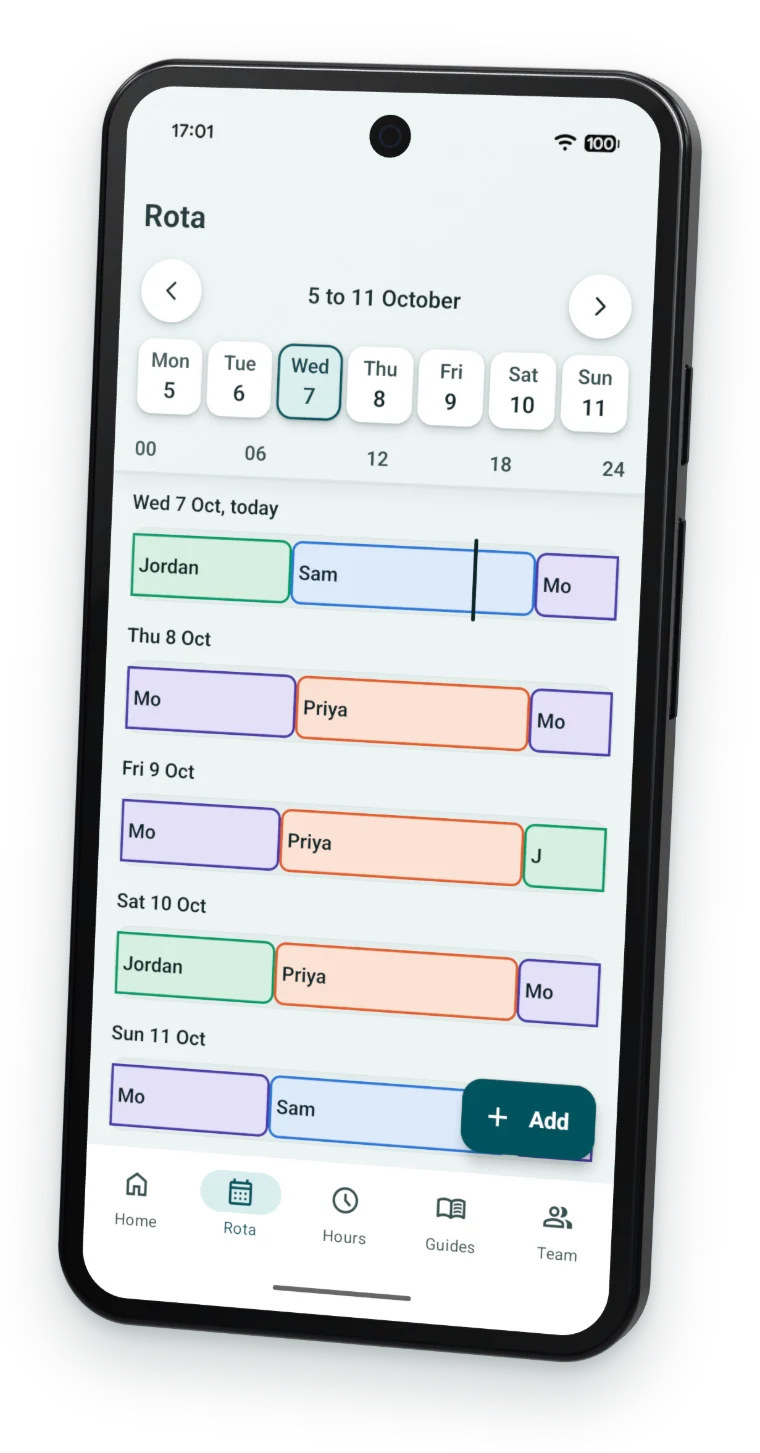
Day shifts, nights, live-in weeks or the same shifts each week. Each carer has their own colour, so you can see the week at a glance and change a single day without starting again.

Schedules and guides for your care team.
For disabled people who manage their own care team
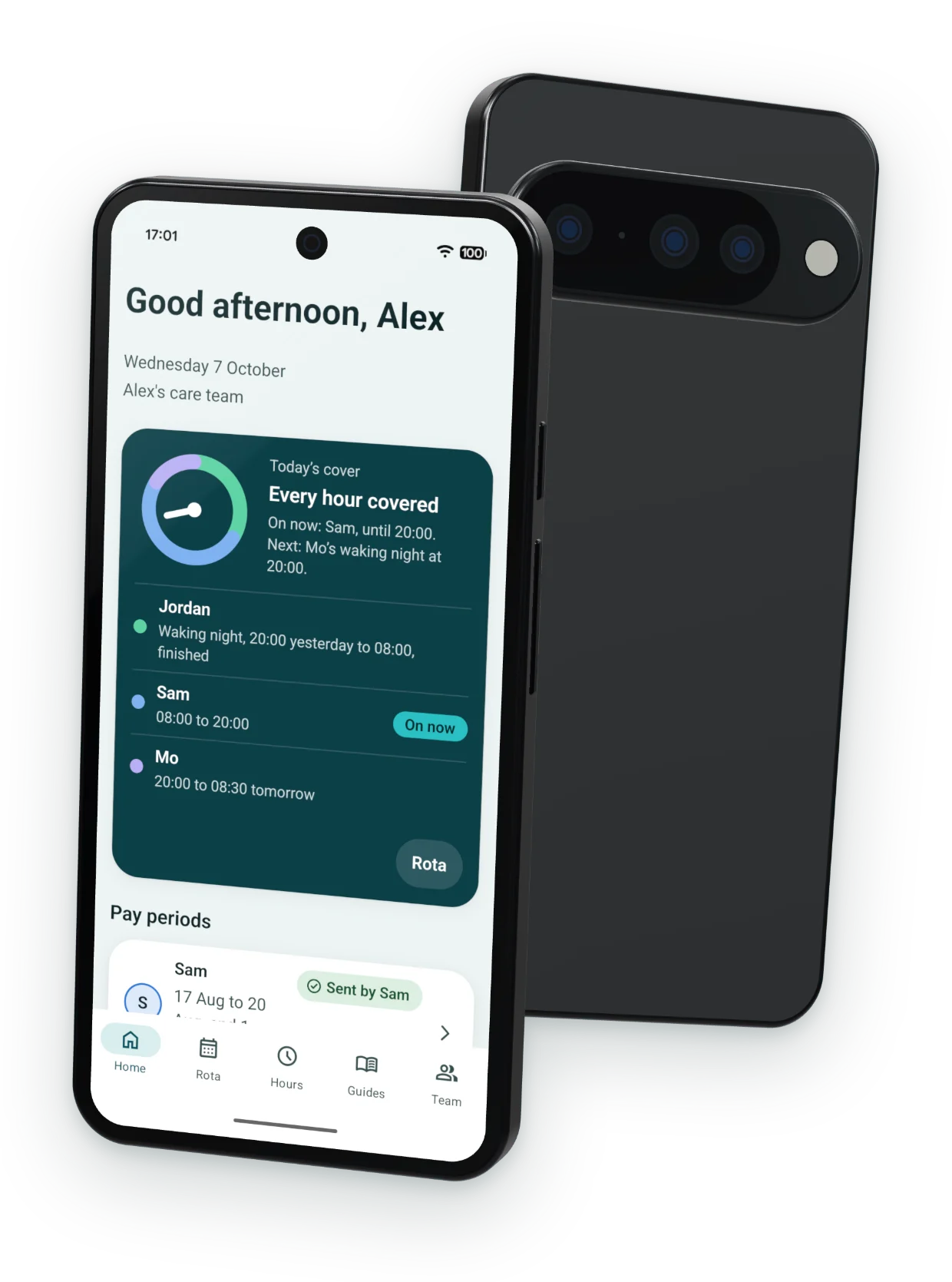
All Hands manages your rota, spots gaps in your care and tells your carers what’s changed. It takes care of the admin, so you have more time and energy for everything else.
A rota in a spreadsheet, changes in group chats, a gap you only spot in the morning, and hours to chase at the end of the month. It all takes energy you need for other things.
All Hands brings it together in one app, built around you as the person running the team. You make the decisions; it remembers the details, checks the rota and tells your carers what’s changed.
Day shifts, nights, live-in weeks or the same shifts each week. Each carer has their own colour, so you can see the week at a glance and change a single day without starting again.
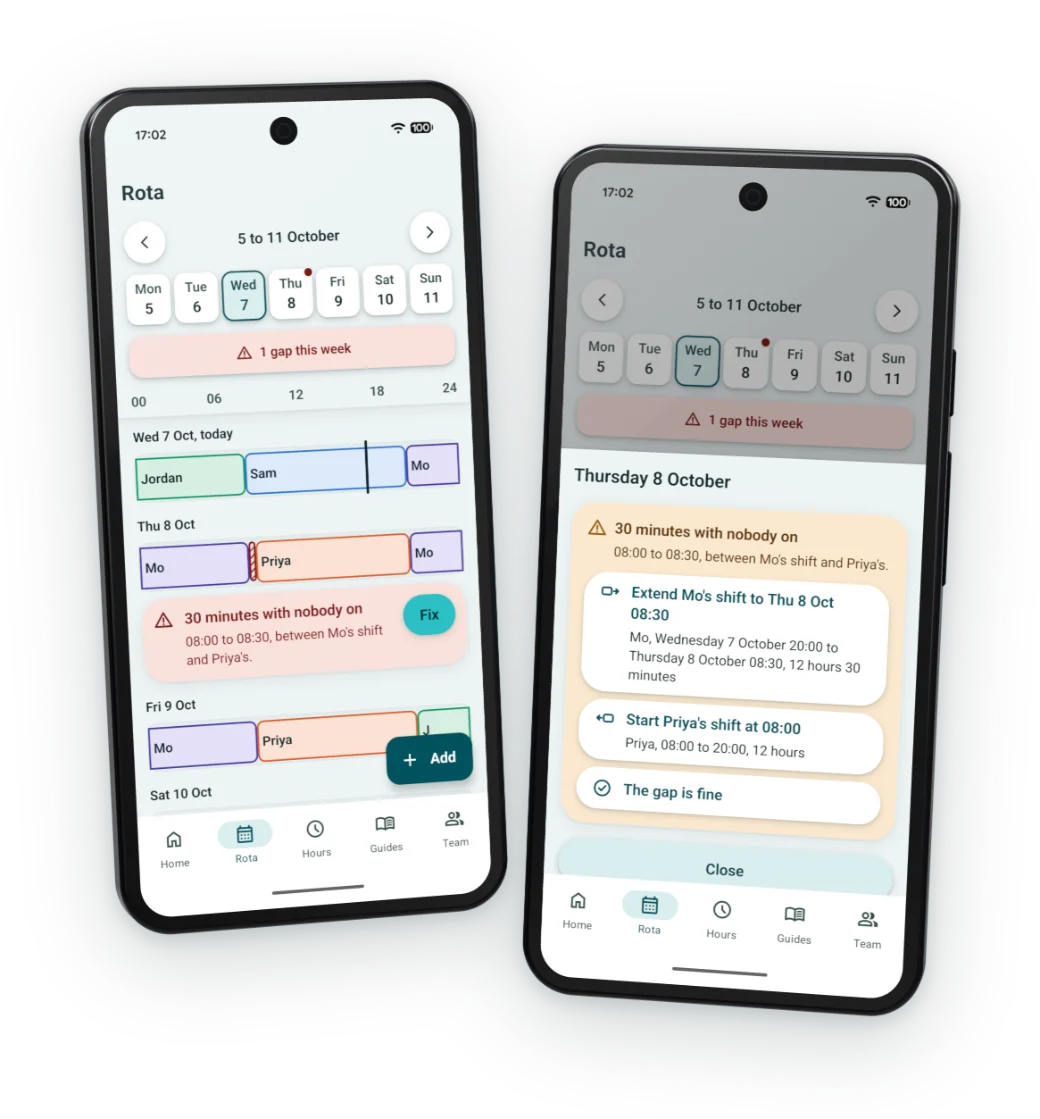
Half an hour without a carer, or two carers booked at the same time? All Hands flags it in red as you plan and suggests fixes you can make with one tap. You choose whether to change anything.
Changes wait briefly in your Outbox, giving you time to check or undo them. Each carer is then told about their own shifts and sees the new times straight away. You don’t need a group chat to keep everyone up to date.
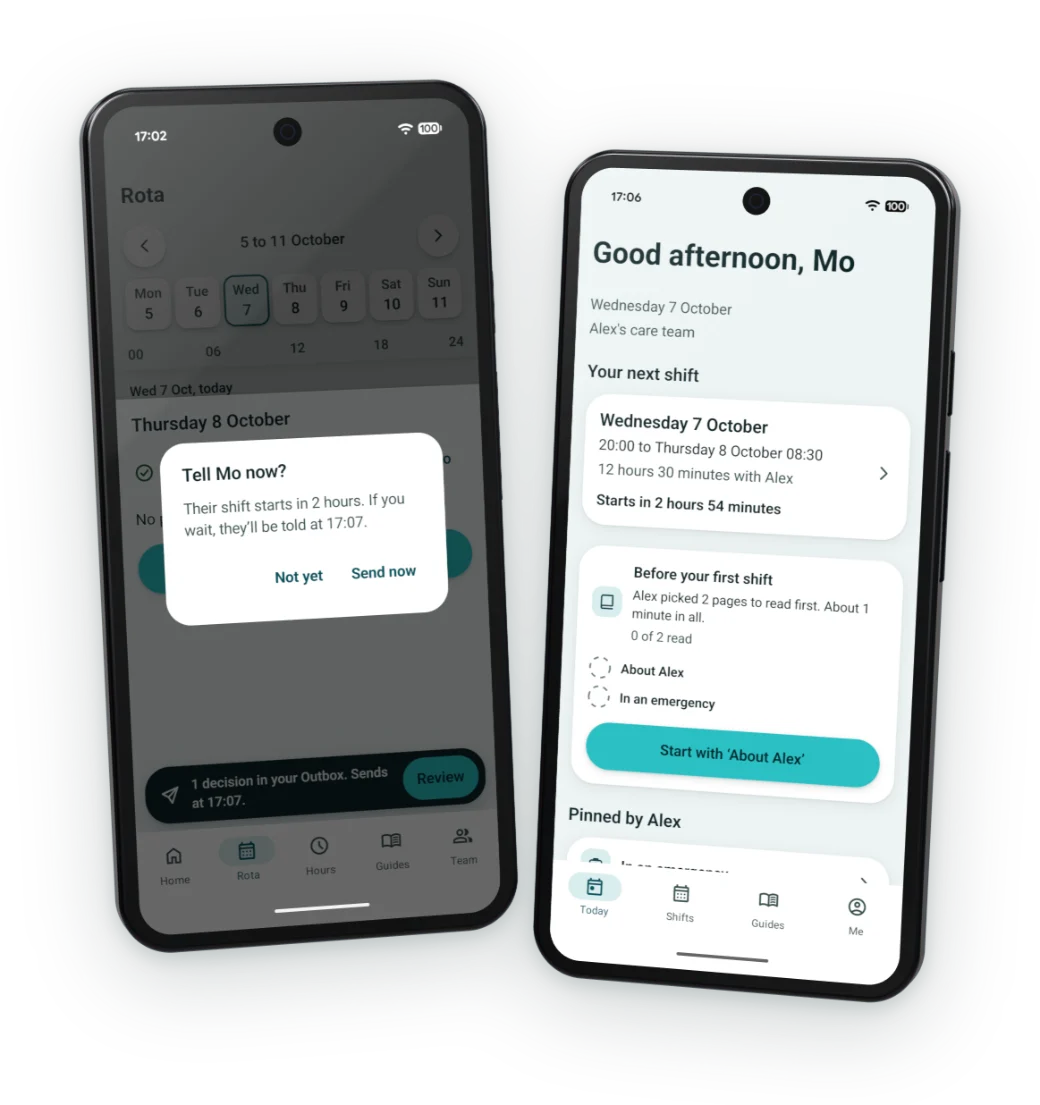
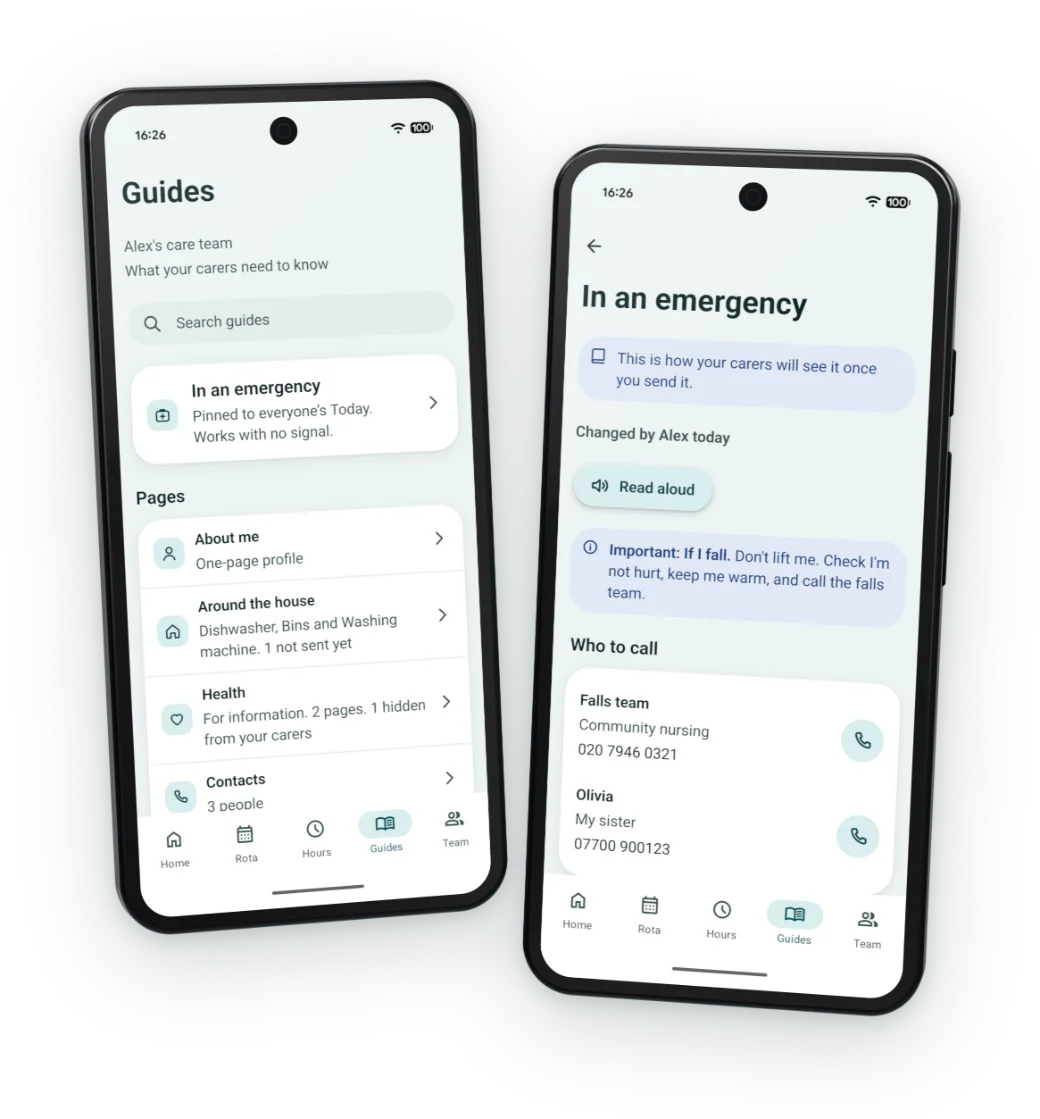
Write it all down, from your morning routine to what to do in an emergency. Your carers can read the guides on shift, even without signal. You can choose pages for them to read before their first shift, and see who’s read each page.
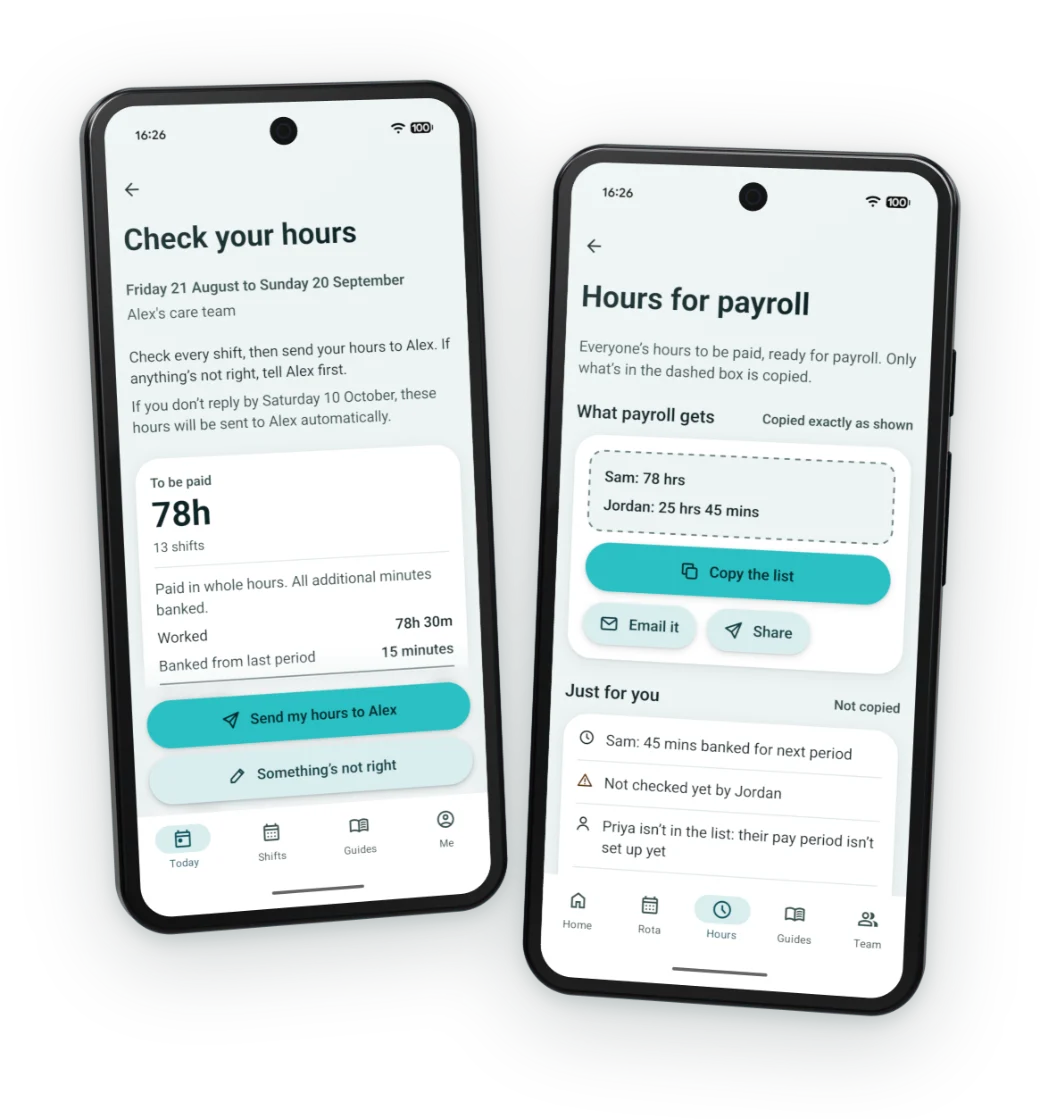
Each carer checks their hours and sends them to you. All Hands brings everyone’s hours into one list, ready to copy or email to whoever handles your payroll.
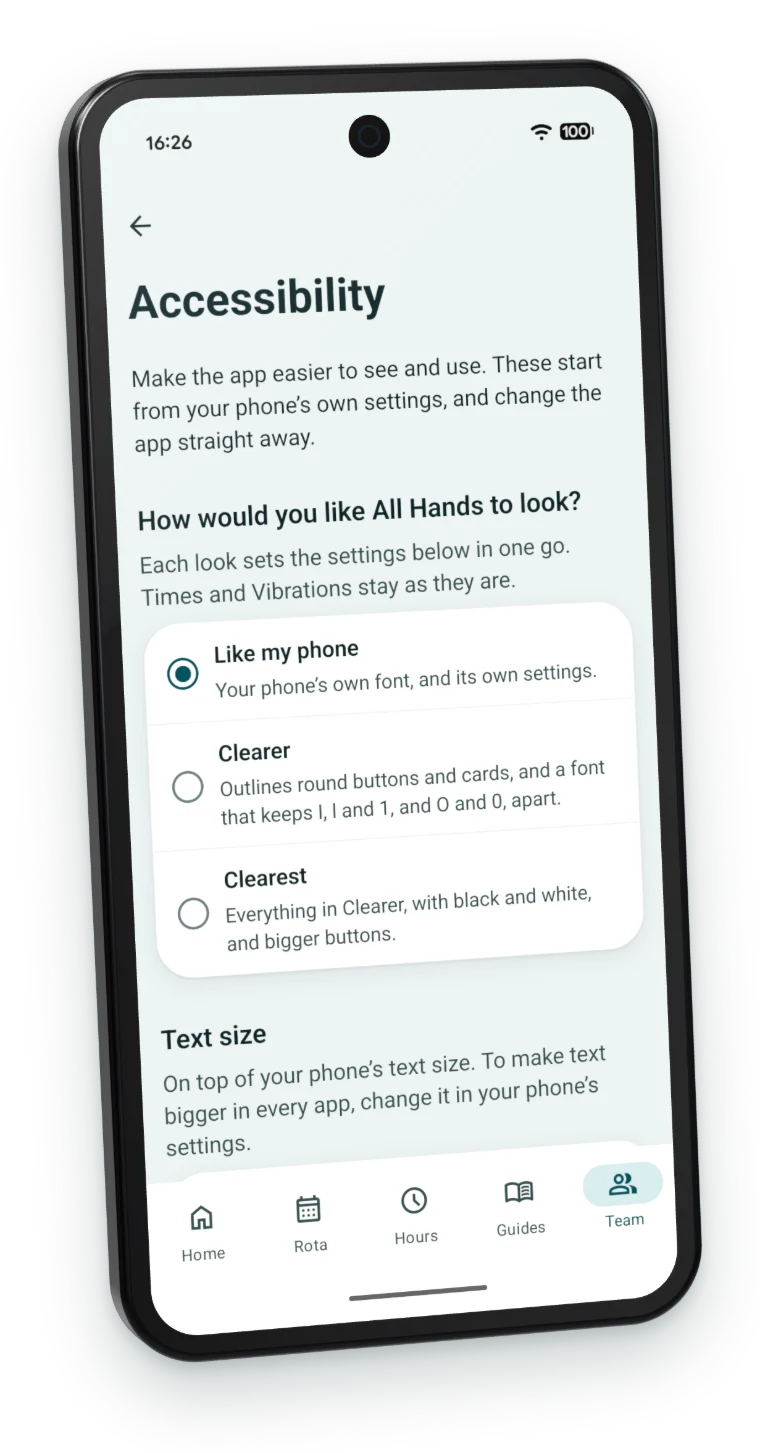
All Hands uses your phone’s settings, including text size and screen readers. You can also choose a clearer look, with outlines, bigger buttons and a font that’s easier to read.
Send your carers an invite link to join your team.
They only see what’s meant for them.
Every change you send, as soon as you send it.
They can read your guides on shift, even without signal.
Less to sort out at the end of each pay period.

The first care teams are testing All Hands now. It’ll be available on the App Store and Google Play soon.
Been sent an invite link? Open it on your phone to see how to join.
Soon you’ll be able to use All Hands on your computer as well as your phone. For now, it’s an app for iPhone and Android, and the first care teams are testing it.